
To access the links and view the deck in a larger format, click the image above.

To access the links and view the deck in a larger format, click the image above.
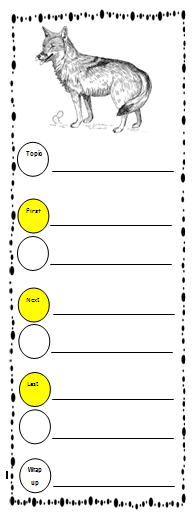 I started by introducing the big book in whole group. We then read the 1st several pages together and took notes about things that we found interesting or that was new information for us. After modeling this format for a couple of days, I passed out the small book versions and partnered students up to continue reading and taking their own notes.
  Students had their choice on each page of either creating their own picture or going to Pics4Learning or Photos for Class to chose real life images. Many chose to go onto the sites to get actual images but we still had a good handful of kiddos also create their own pictures. As we have been talking about nonfiction text features over the past months, I added the box on the right of the checklist to challenge my kiddos to add some of these features as appropriate to their book.Obviously photographs and drawings were already embedded. I did have some kiddos add labels to their drawings and also some captions.


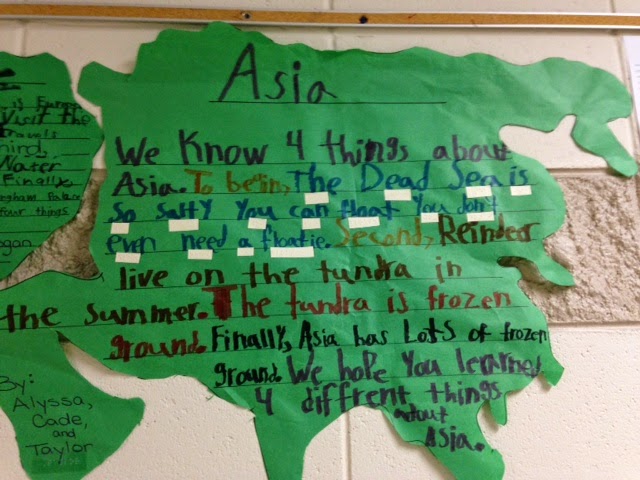
 During our writer's workshop, we have again been working on informational (research-based) writing. During Spanish, we have been learning the names of the continents and their locations so it seemed only fitting to dig in a bit more to find out some special facts about each one. To do this, each child wrote down their top 3 choices of continents they'd like to learn more about. I then went through their requests and paired students up that had similar requests paying close attention to partnering my lower readers with a classmate that would be able to help them out.


 I have a student who is legally blind and is learning to read and write braille this year. This was a great project for him as well as his partners read the book out loud. He worked to take notes of his own using his brailler as you can see to the right.

